360 Overlay Studio
Build layouts directly on 360 footage
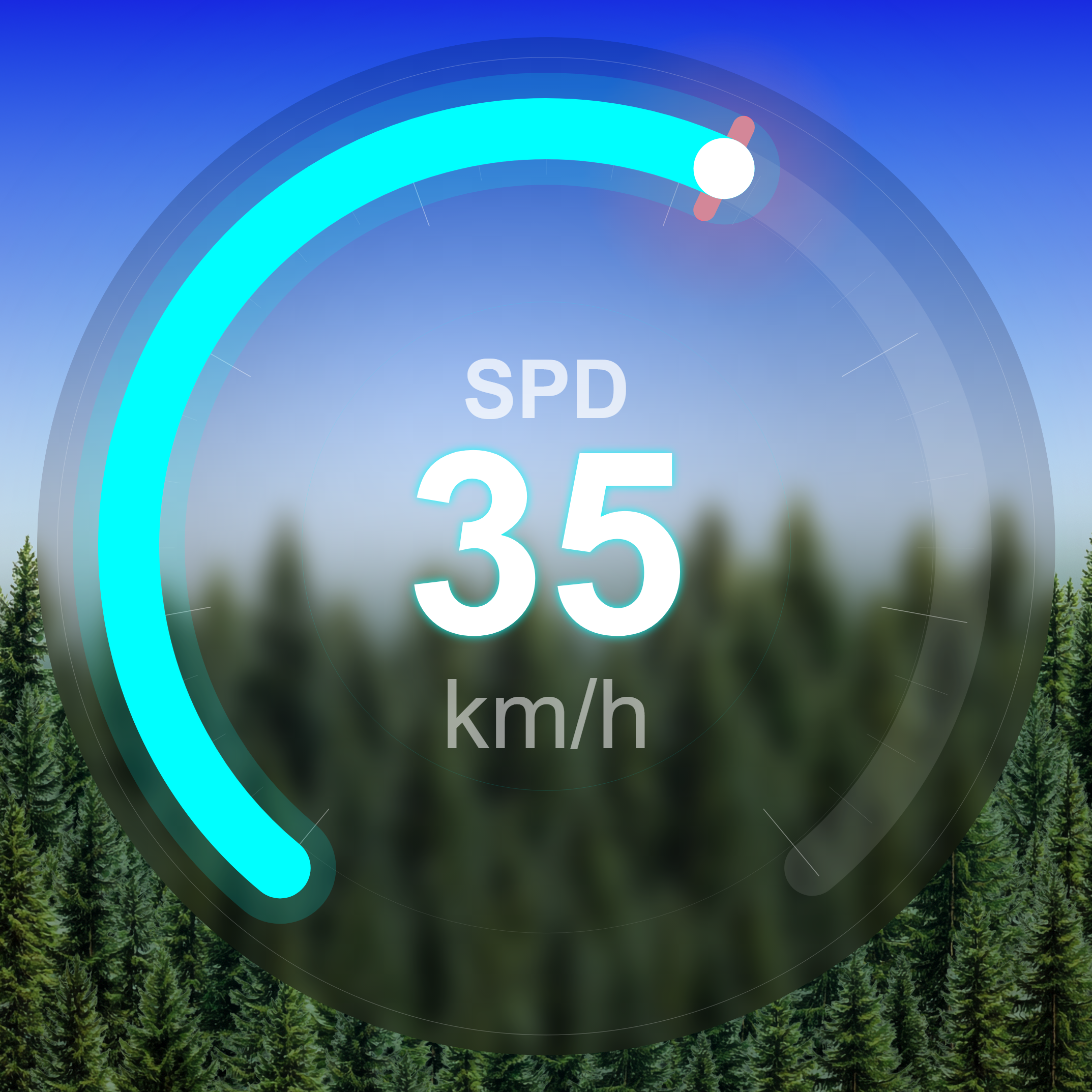
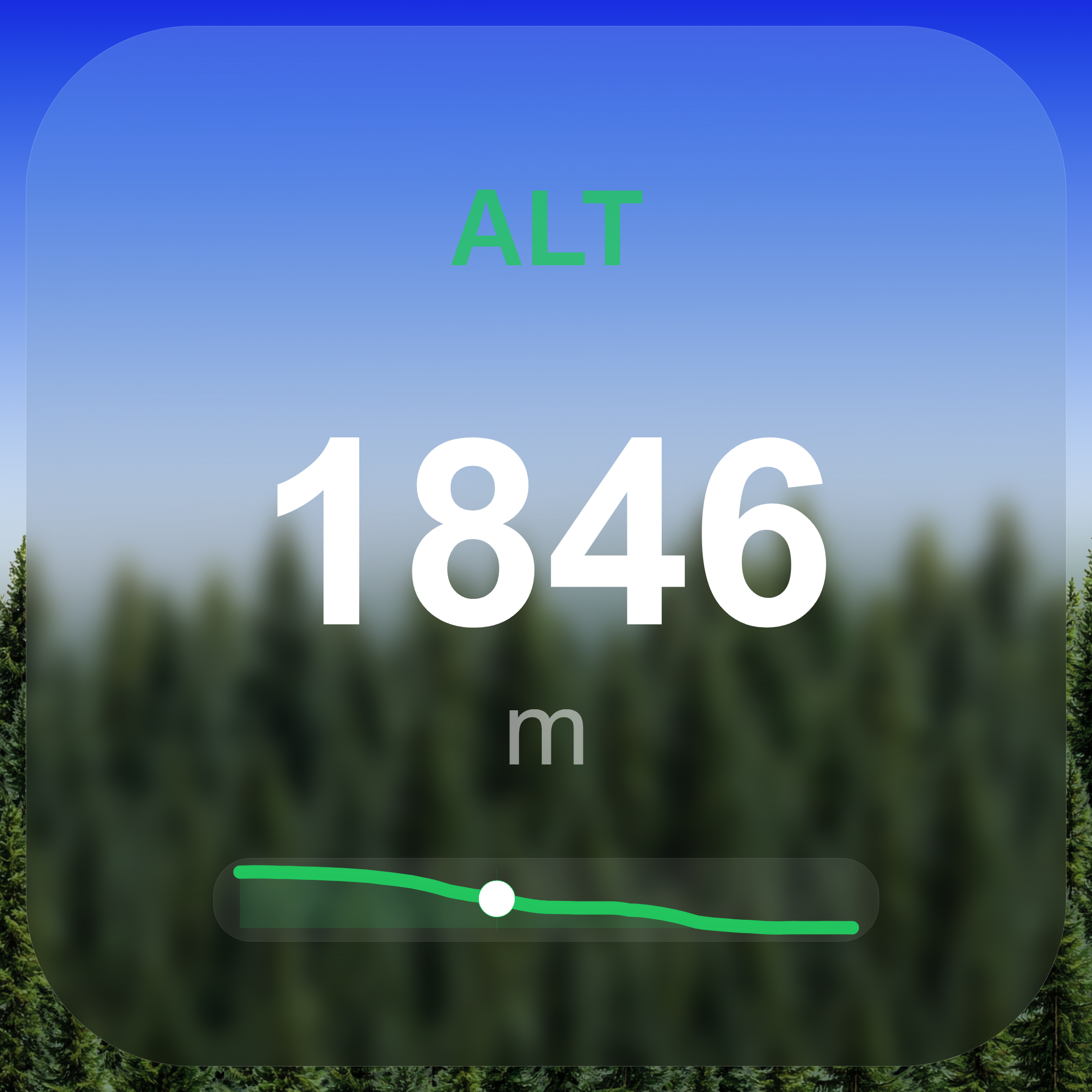
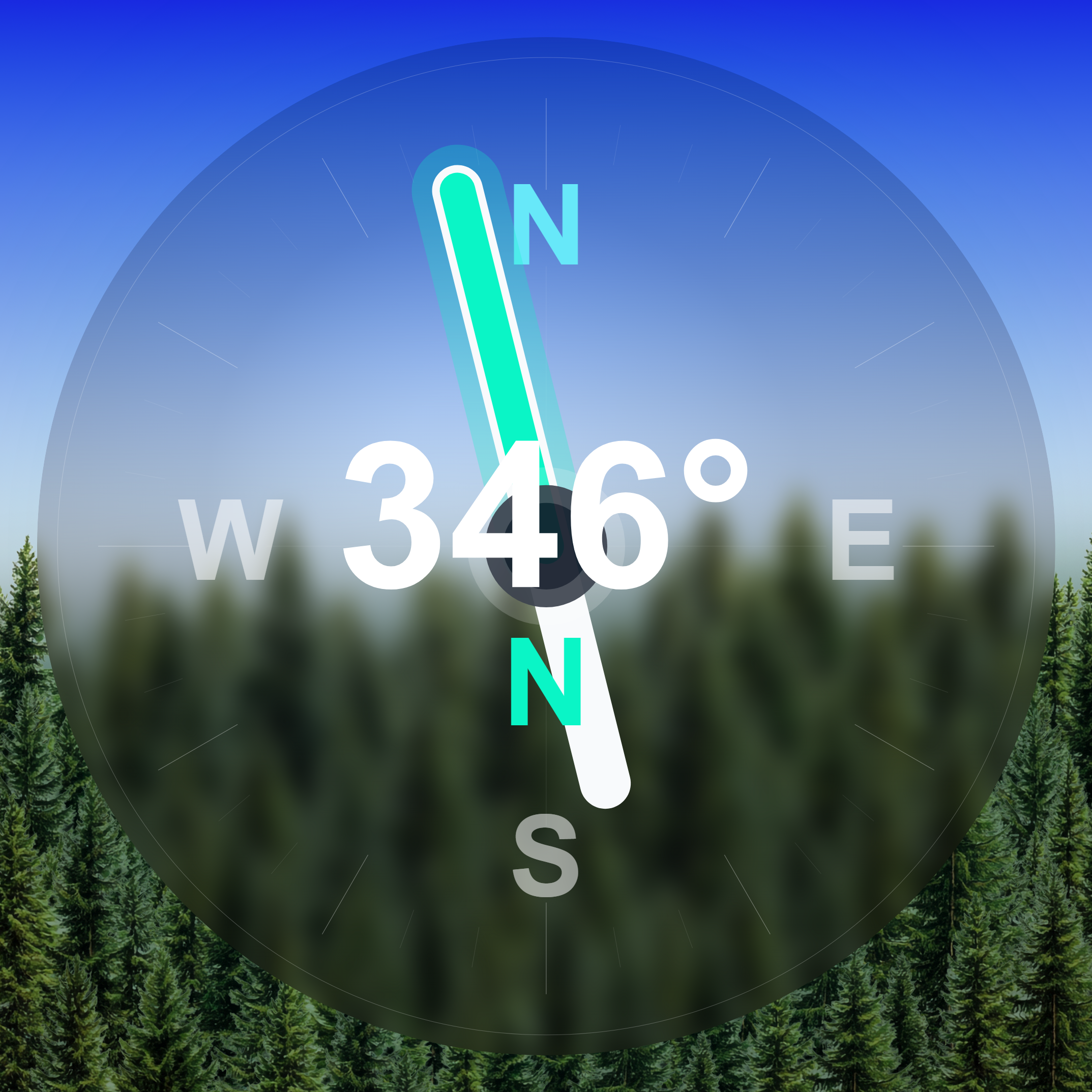
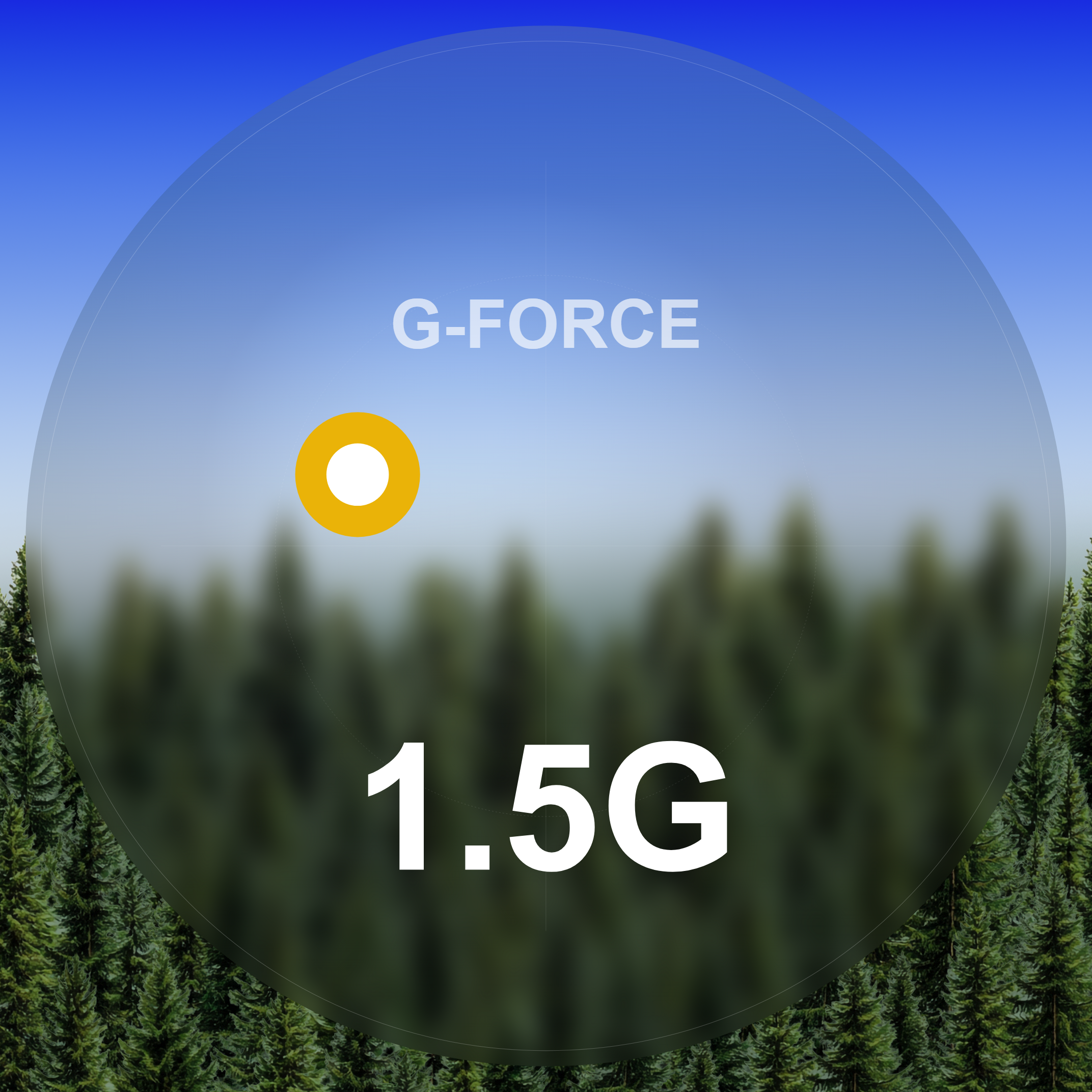
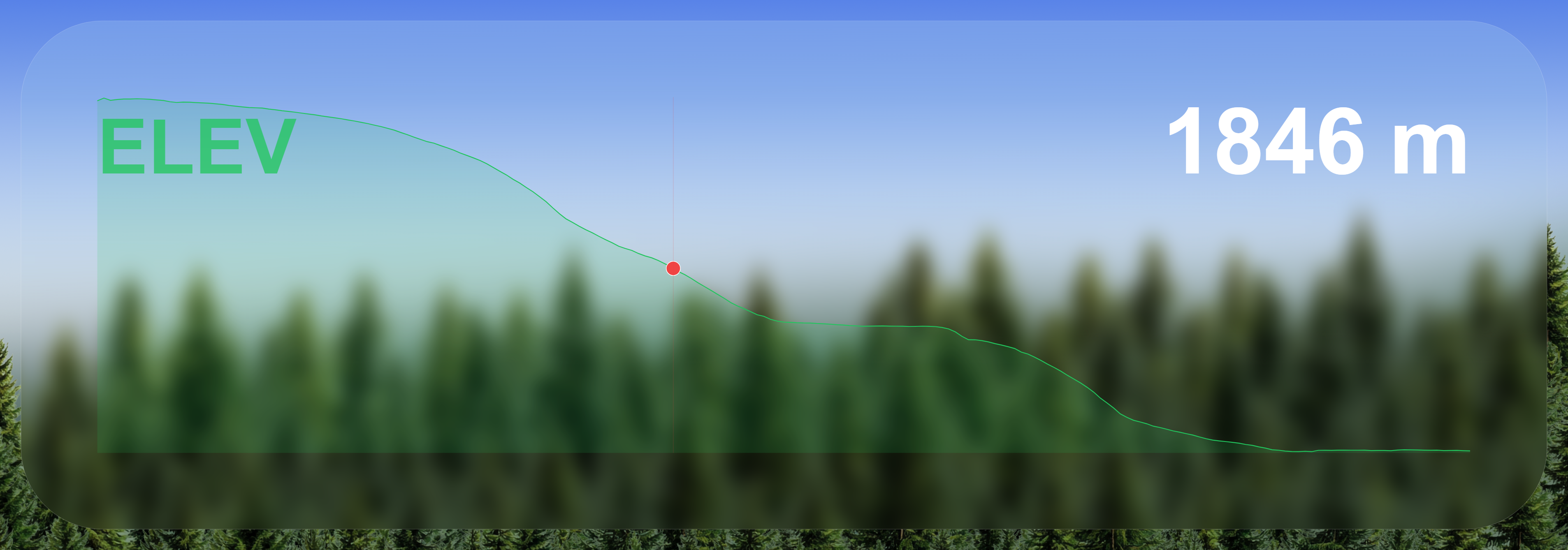
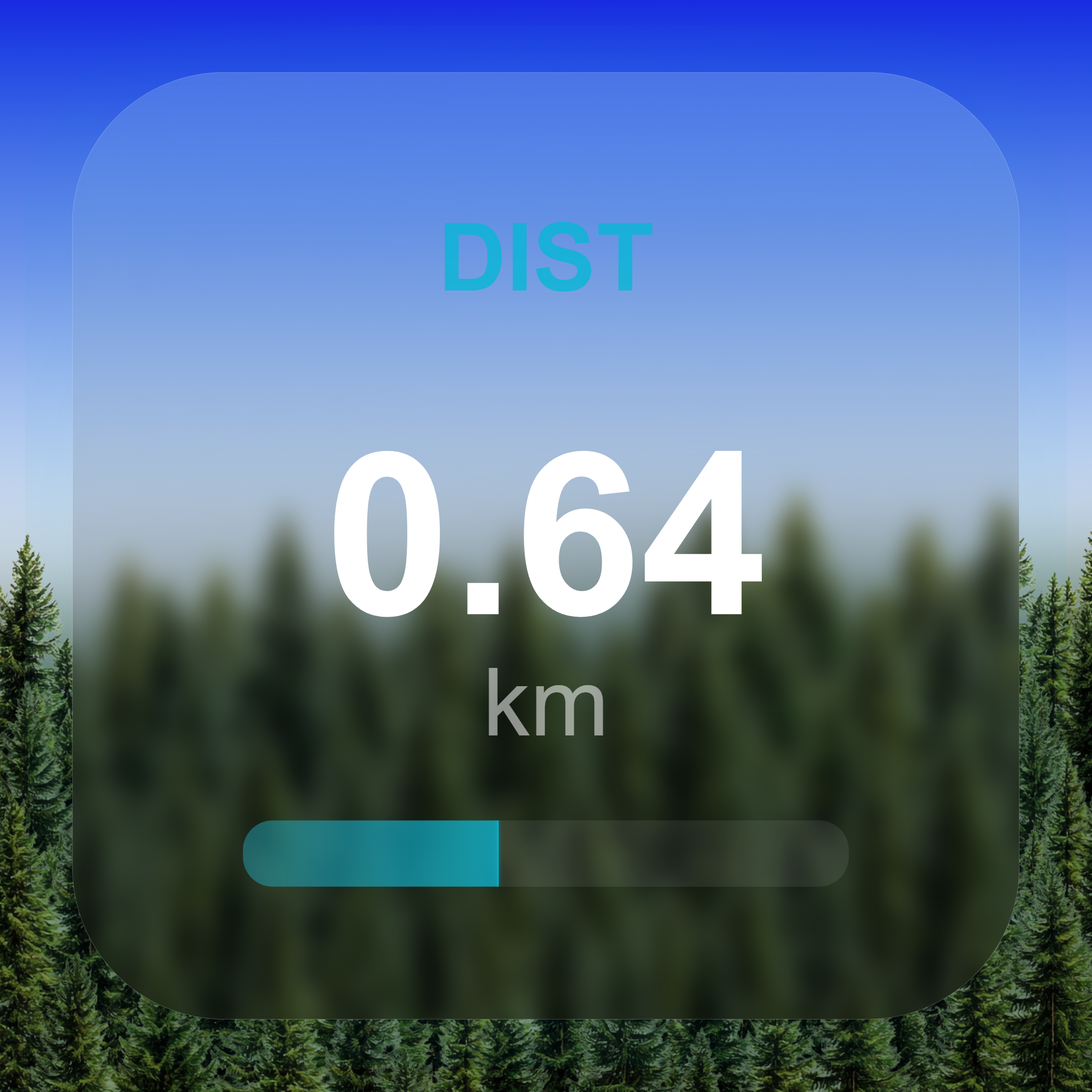
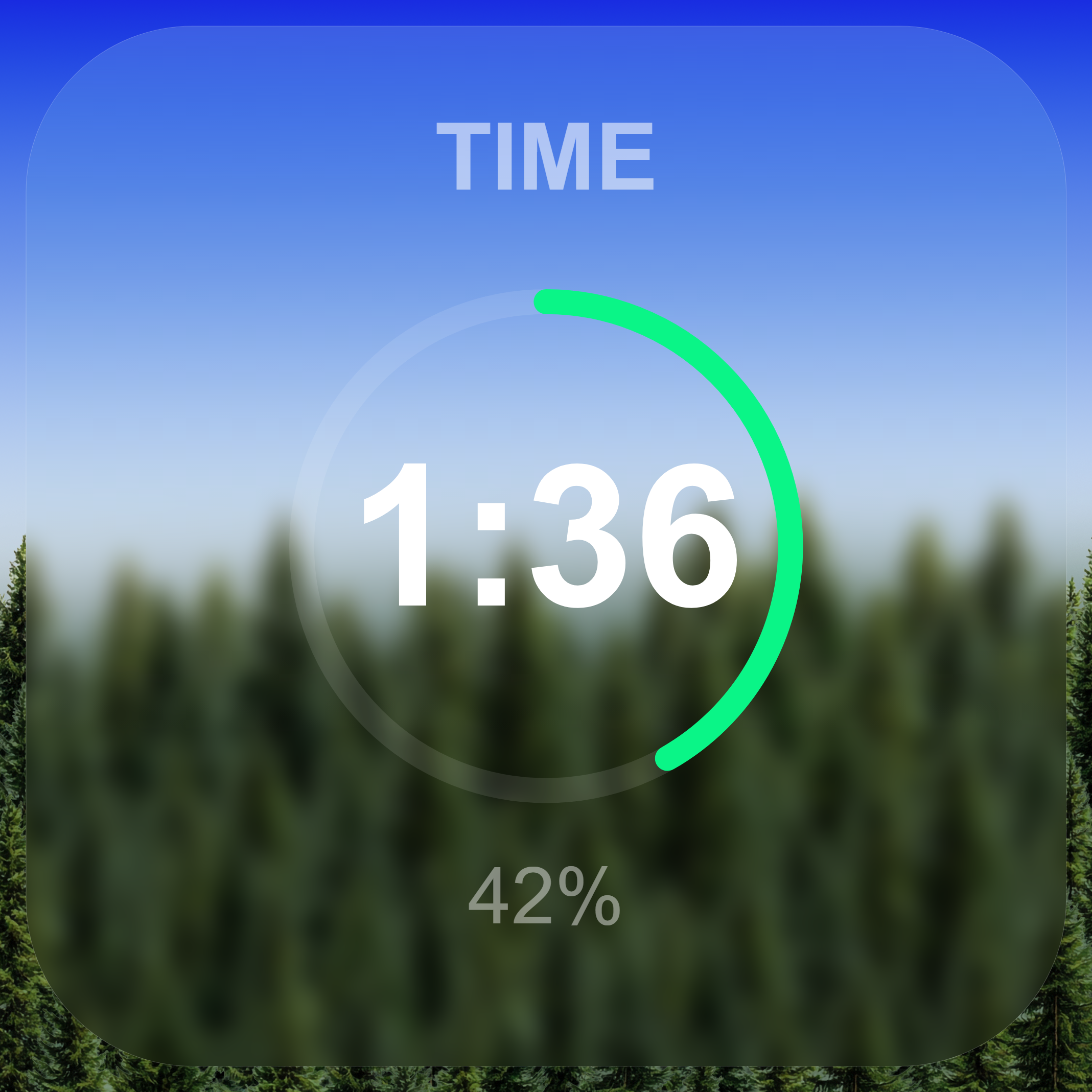
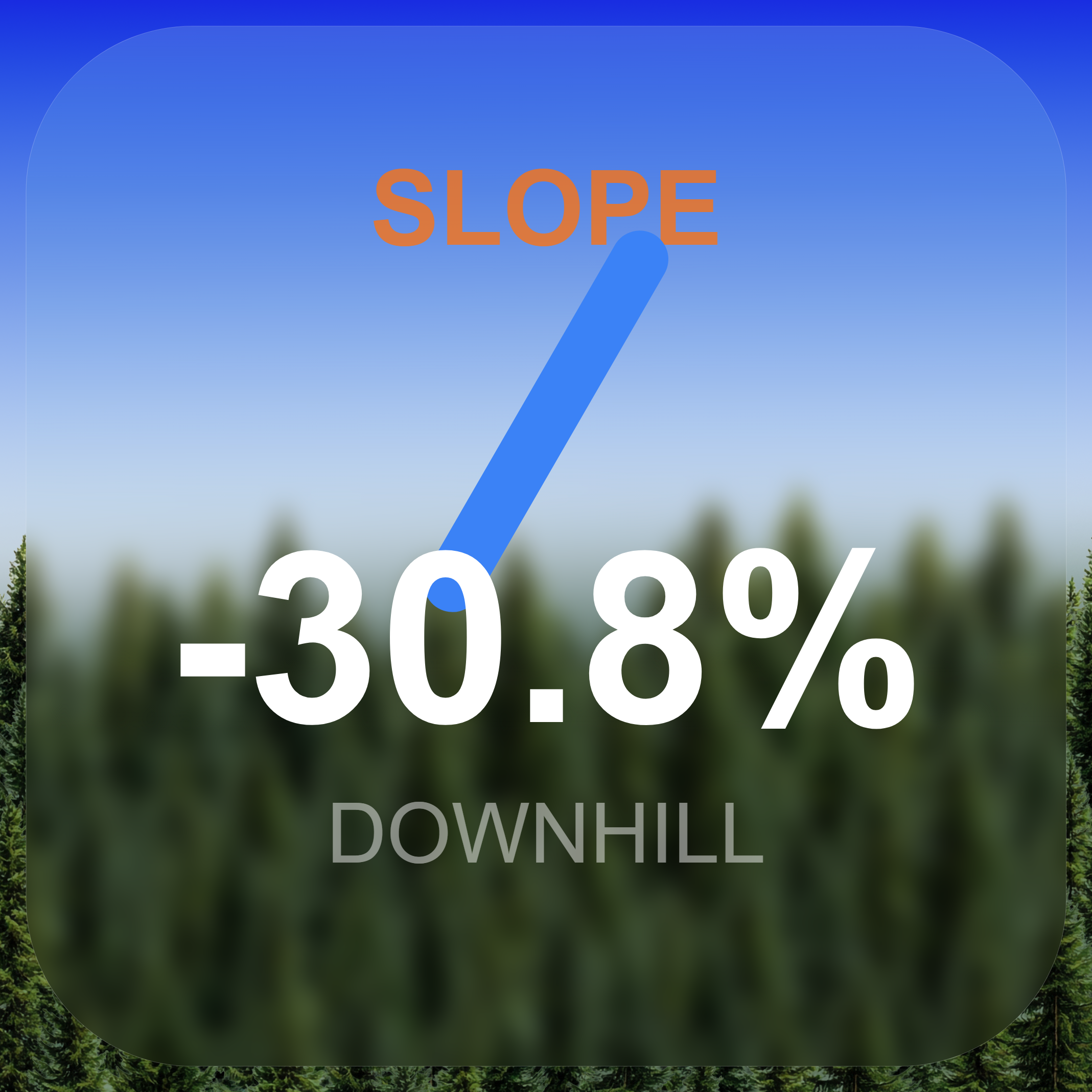
Preview world-locked gauges, glass styles, elevation profiles, G-force, and distance cards while scrubbing the actual shot.
Extract GPS, speed, altitude, G-force from your action camera videos. Add real-time telemetry overlays. Export to GPX, KML, video - all offline.
Install the free edition first, then unlock the limits later with the key that fits your platform.
Works with your gear
Professional telemetry tools that process locally. No cloud. No subscriptions. No compromises.
Drag-and-drop speedometer, altimeter, compass, G-force, minimap, and more. Resize, reposition, save presets. Export as baked video or separate overlay file packages.
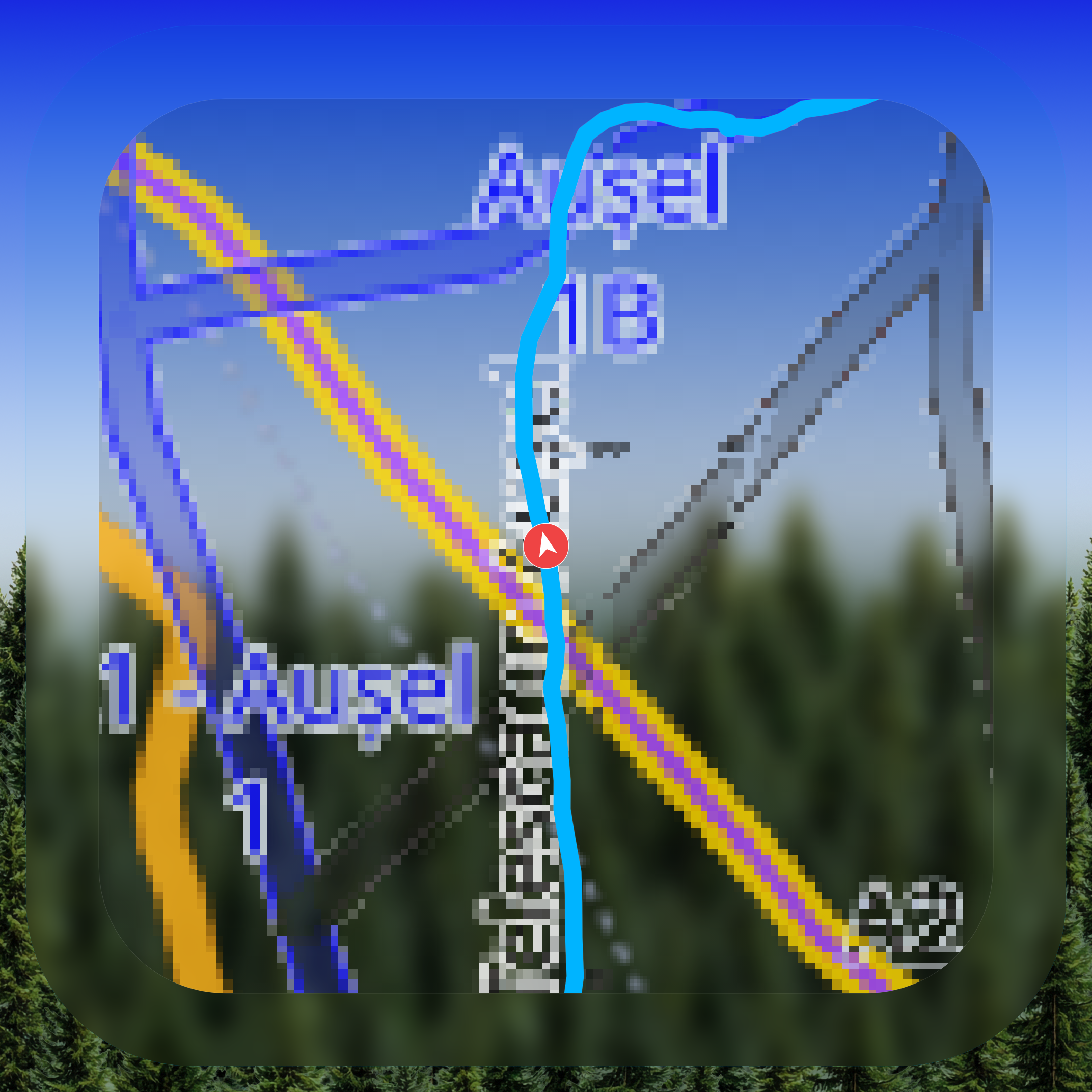
Interactive 2D satellite map with speed/altitude color coding. Switch to a full 3D CesiumJS globe with terrain for the ultimate visualization.
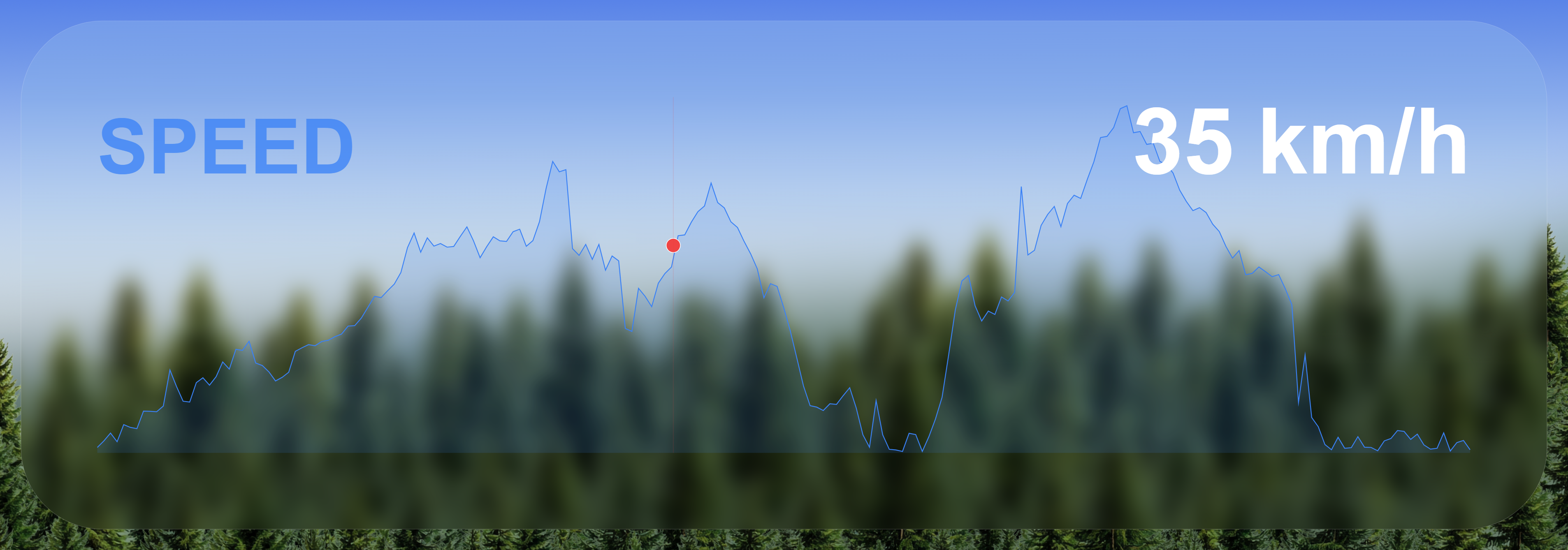
Speed, altitude, acceleration, gyroscope, all graphed with crosshair tooltips and configurable units.
GPX, CSV, KML, GeoJSON, VIRB, JSON, baked video export, and Pro overlay file packages for external compositing workflows.
Spherical video playback with telemetry gauges correctly projected. GoPro Max & Fusion compatible.
Import GPX/FIT from Garmin, Strava, or Wahoo. Time-sync with your video via visual or automatic matching.
Restore GPS & metadata into edited videos. Google Photos compatible. Works with DJI SRT sidecars.
Every byte processed on your device. Your videos never leave your computer. No cloud. No account required.
These are direct screenshots from the app, showing the actual overlay, charts, sync, export, map, and reinject workflows.
360 Overlay Studio
Preview world-locked gauges, glass styles, elevation profiles, G-force, and distance cards while scrubbing the actual shot.
Charts + Activity Compare
Overlay imported activity speed and altitude against the video stream to validate timing, pacing, and elevation drift.
Stats | DJI
Useful for DJI subtitle files where you want a fast read on route, altitude, speed, camera metadata, and other extracted values.
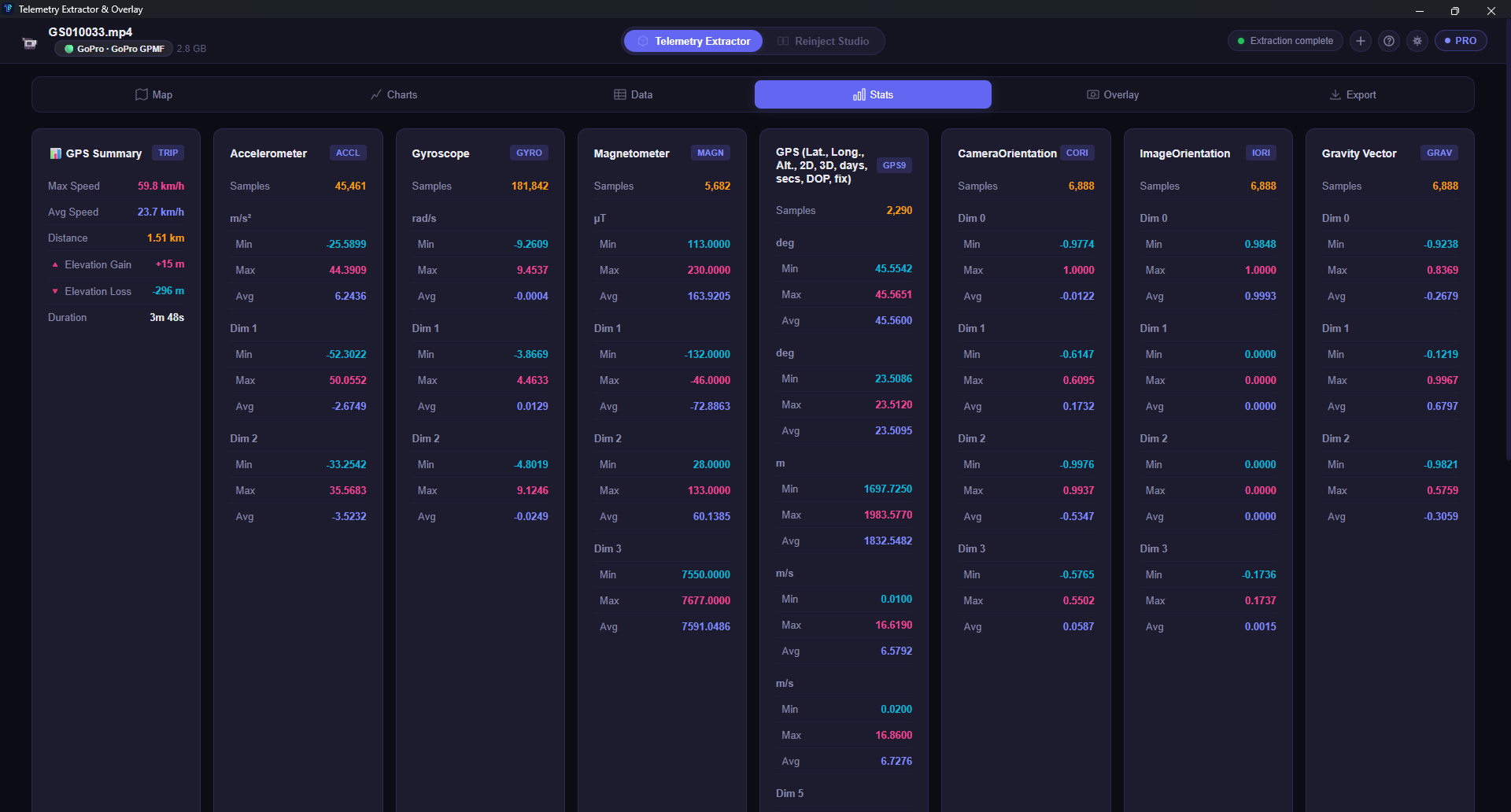
Stats | GoPro
Shows the deeper sensor profile behind GoPro footage, including motion, orientation, gravity vector, and high-frequency stream statistics.
Visual Sync
Match GPS track position, preview video frames, and adjust the offset with linked chart feedback before applying it.
Export Hub
Choose baked video output, match-source resolution and frame rate, tune bitrate, and launch the render without leaving the workflow.
Large File Processing
Track live file-read progress, ETA, and the exact source being processed while large GoPro Max files are loading.
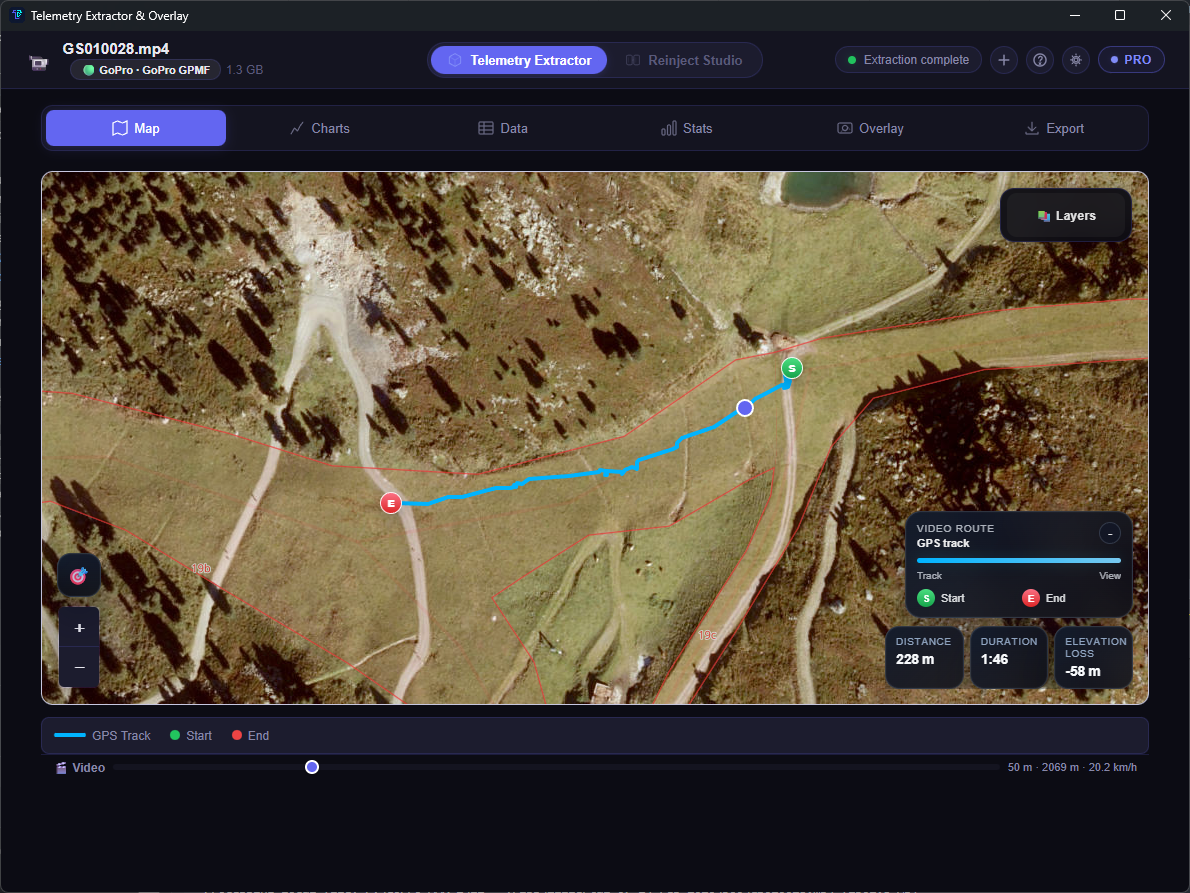
Satellite Map
Review the path on satellite imagery, scrub the timeline, and read distance, duration, and elevation metrics next to the track.
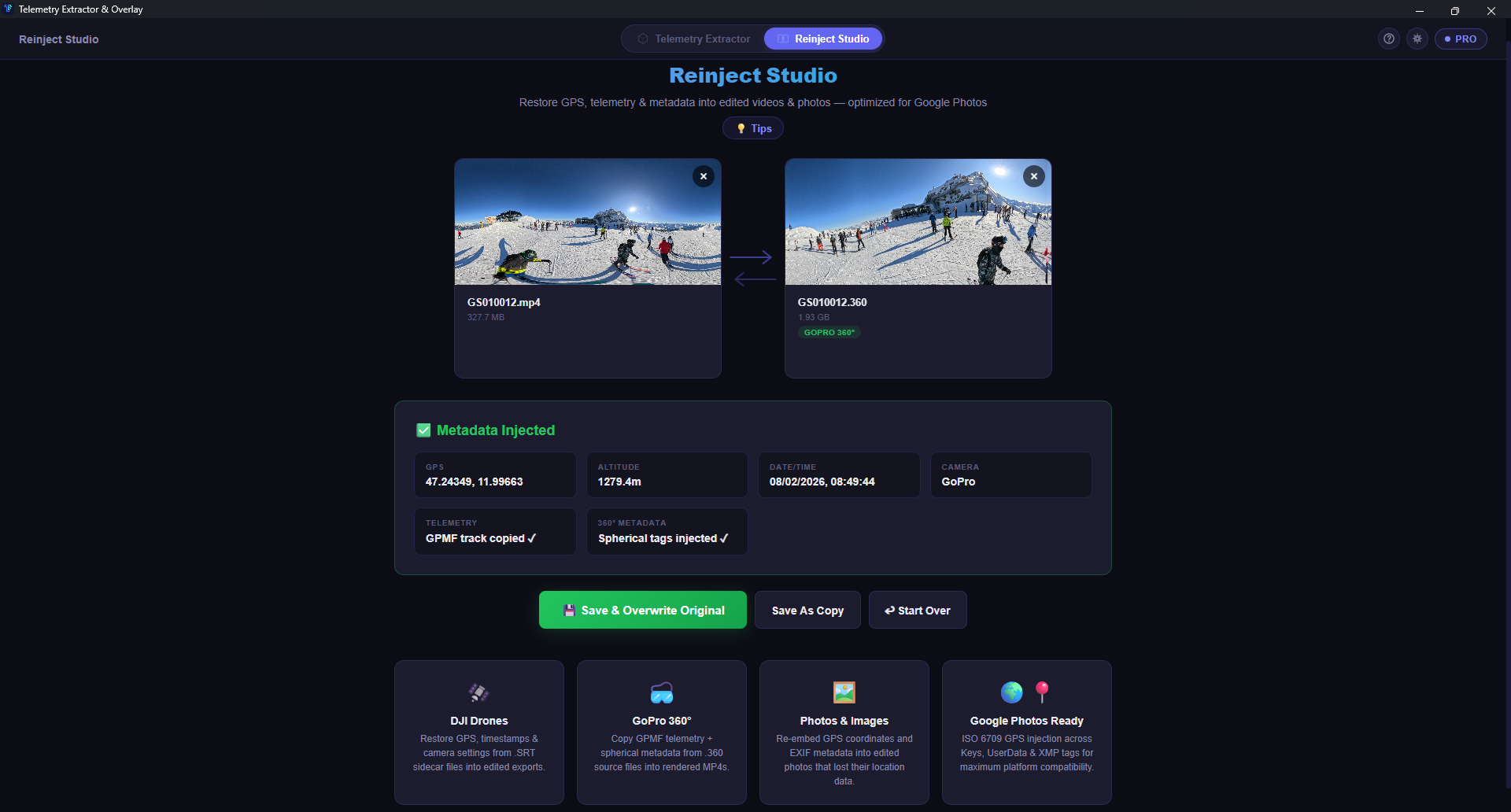
Reinject Studio
Copy telemetry and spherical tags back into rendered files so the final export still behaves correctly in 360 viewers and libraries.
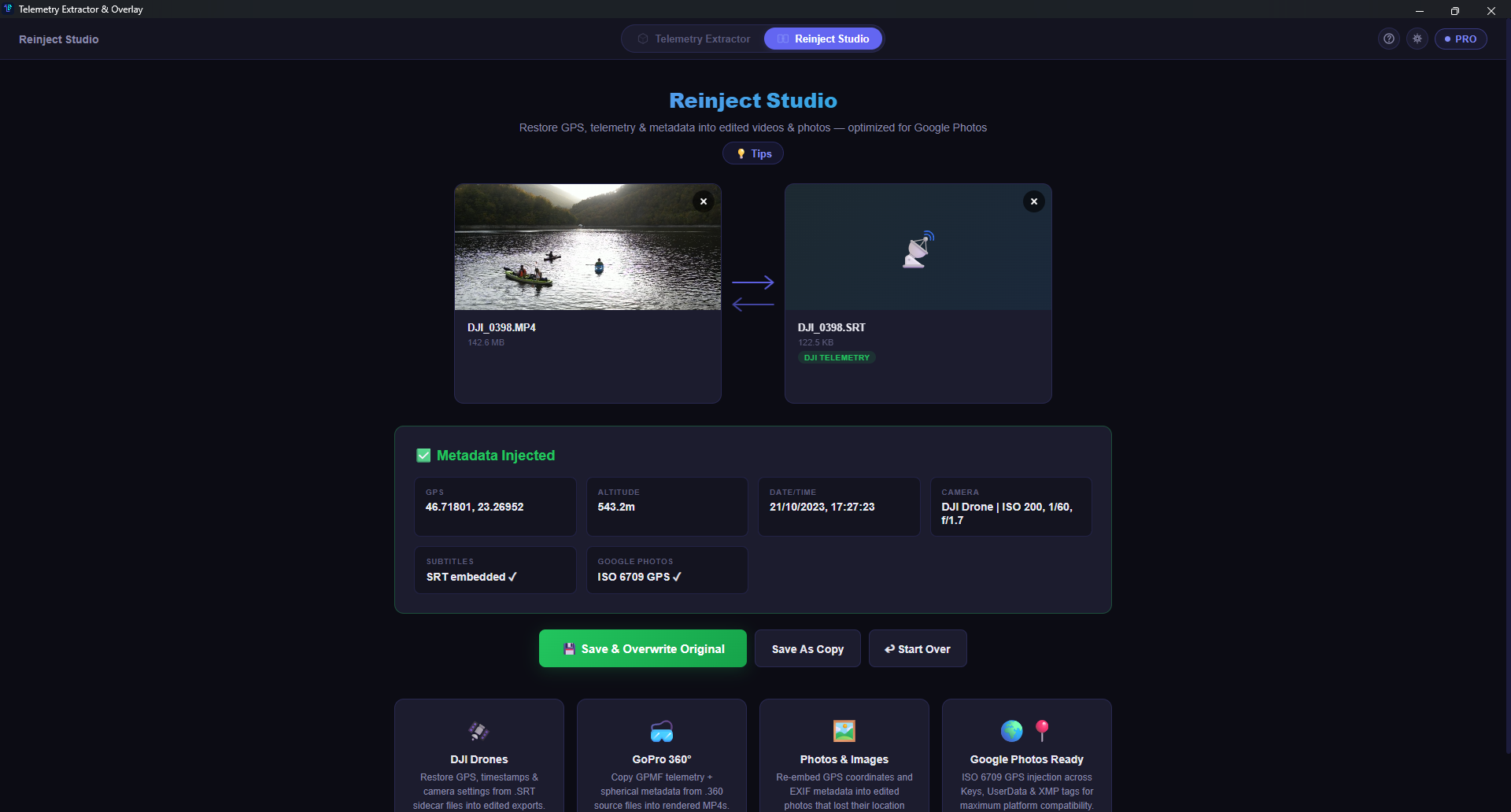
DJI Metadata Restore
Pull data from DJI sidecar subtitles and inject location, timestamps, and Google Photos friendly metadata back into the finished file.
Current Android phone and tablet captures showing map playback, stats, export flow, and the 360 overlay editor in the actual app.
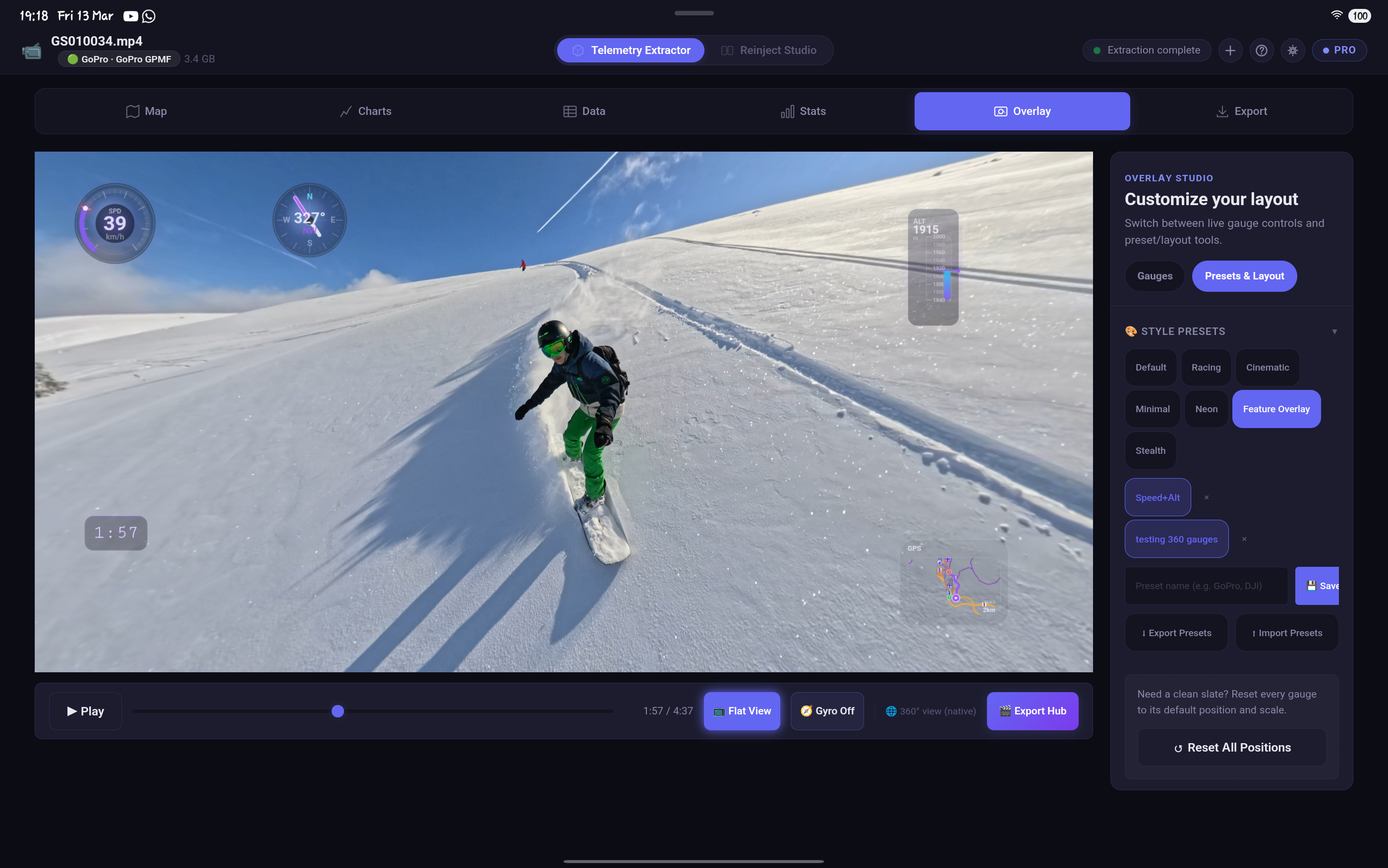
Tablet | Overlay Studio
Large-screen Android editing with live gauges, preset chips, and export controls visible at once instead of hidden behind modal steps.
Phone | 3D Map
DJI footage on phone with terrain depth, route playback, and controls that stay readable over satellite terrain.
Phone | Map
Start and end markers, route legend, and playback scrubber stay compact enough for a narrow mobile screen.
Phone | Stats
GPS, accelerometer, gyroscope, and magnetometer summaries collapse into clean cards that are easy to scan on mobile.
Phone | Raw Export
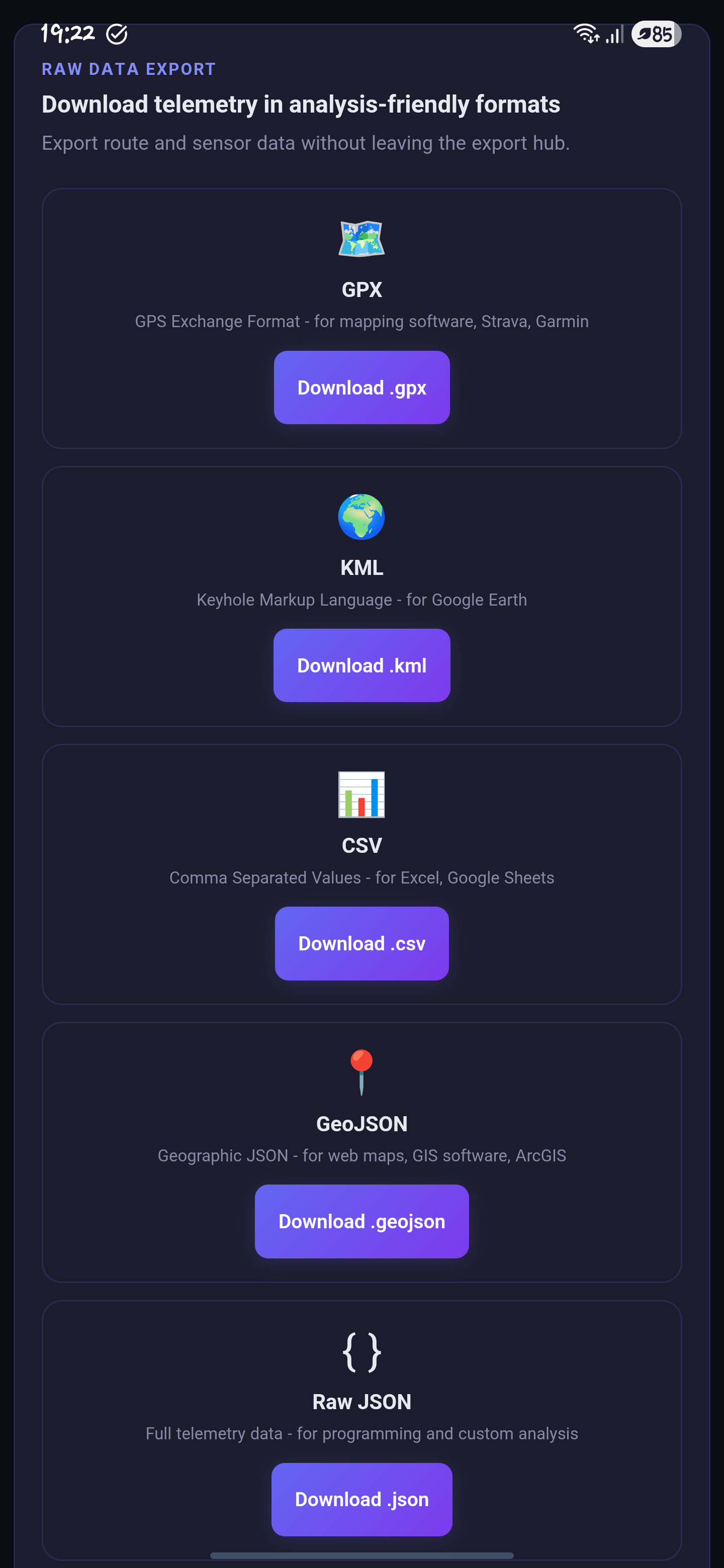
GPX, KML, CSV, GeoJSON, and Raw JSON downloads are presented as large touch-ready cards instead of buried menus.
Phone | Warning
Android warns before a full Match Source 360 export can push the encoder or memory limits on the current device.
Phone | Export Tab
The export tab keeps progress, ETA, codec, frame rate, and resolution visible together while the baked overlay render is running.
Android | Notification
The foreground notification keeps long renders visible outside the app so progress is still easy to monitor after minimizing.
Video | Overlay Studio
A real device recording of Overlay Studio with native 360 preview, live gauges, and layout controls on Android.
Video | Background Export
This capture shows the Android export notification staying active while the app is in the background, so the render remains visible outside the app.
Load any GoPro or DJI video. Telemetry is extracted instantly - GPMF for GoPro, SRT for DJI. No conversion needed.
Browse your GPS track on a map, analyze charts, arrange overlay gauges, sync with activity data from your watch.
Render your overlay as a video, export GPS data as GPX/KML, or reinject metadata back into your edited footage.
Use the free edition as long as you want, then unlock paid limits with a one-time key. VAT included.
Same app, free edition. Keep it free or upgrade later only if you need more headroom.
One-time Desktop Pro key. Lifetime updates included. VAT included.
One-time Android Pro key. Same app, fully unlocked on-device. VAT included.
Desktop + Android Pro access with 5 shared activations across your devices. Save β¬19. VAT included.
Clear answers about licensing, supported footage, exports, and what the free version actually includes.
No. All telemetry extraction and overlay rendering happens entirely on your device. The only feature that needs internet is loading map tiles for the GPS visualization and even that can work with cached tiles.
GoPro Hero 6 through Hero 13, GoPro Max, GoPro Fusion, DJI drones (Avata, Mini, Air, Mavic) via SRT extraction, DJI Osmo Action cameras, and Insta360 cameras. Any camera that embeds GPMF or SRT telemetry is supported.
Free gives you full telemetry extraction, interactive maps, charts, stats, the 3D globe, and a starter overlay set with speed, altitude, compass, timer, text, image, and info bar gauges. Export stays available while you keep no more than 1 overlay active. Pro unlocks all 13 gauges, unlimited custom presets, baked video export, overlay file package export, KML/GeoJSON/VIRB export, activity sync, 360Β° viewing, Reinject Studio, and the 20 GB file limit.
No. The Android Pro key unlocks the same Pro edition gates in the app: all gauges, unlimited overlays and presets, baked video export, overlay file package export, advanced export formats, activity sync, the 360 viewer, and Reinject Studio. The difference is the implementation path: Android uses native file picking, saving, playback, and on-device processing where the desktop build uses the desktop runtime.
Each license can be activated on up to 2 devices (e.g., your desktop and laptop). If you need to move to a new device, you can deactivate from the old one first.
You download the app separately for free. The checkout sells a one-time license key that unlocks the paid limits on Desktop, Android, or both. VAT is already included in the displayed prices.
No. Both the Desktop Pro and Android Pro licenses are one-time payments. You get lifetime updates. I believe creators shouldn't pay monthly for tools they own.
Yes! Pro users can render the overlay directly into the video file. Choose H.264 or H.265 codec, select resolution (up to 4K), and export. Pro also unlocks the separate overlay file package export if you want reusable overlay assets for external editing workflows.
Download the app, test it with your own footage, and buy a key only if the workflow fits what you need.